A spatial workspace for Apple Vision Pro.
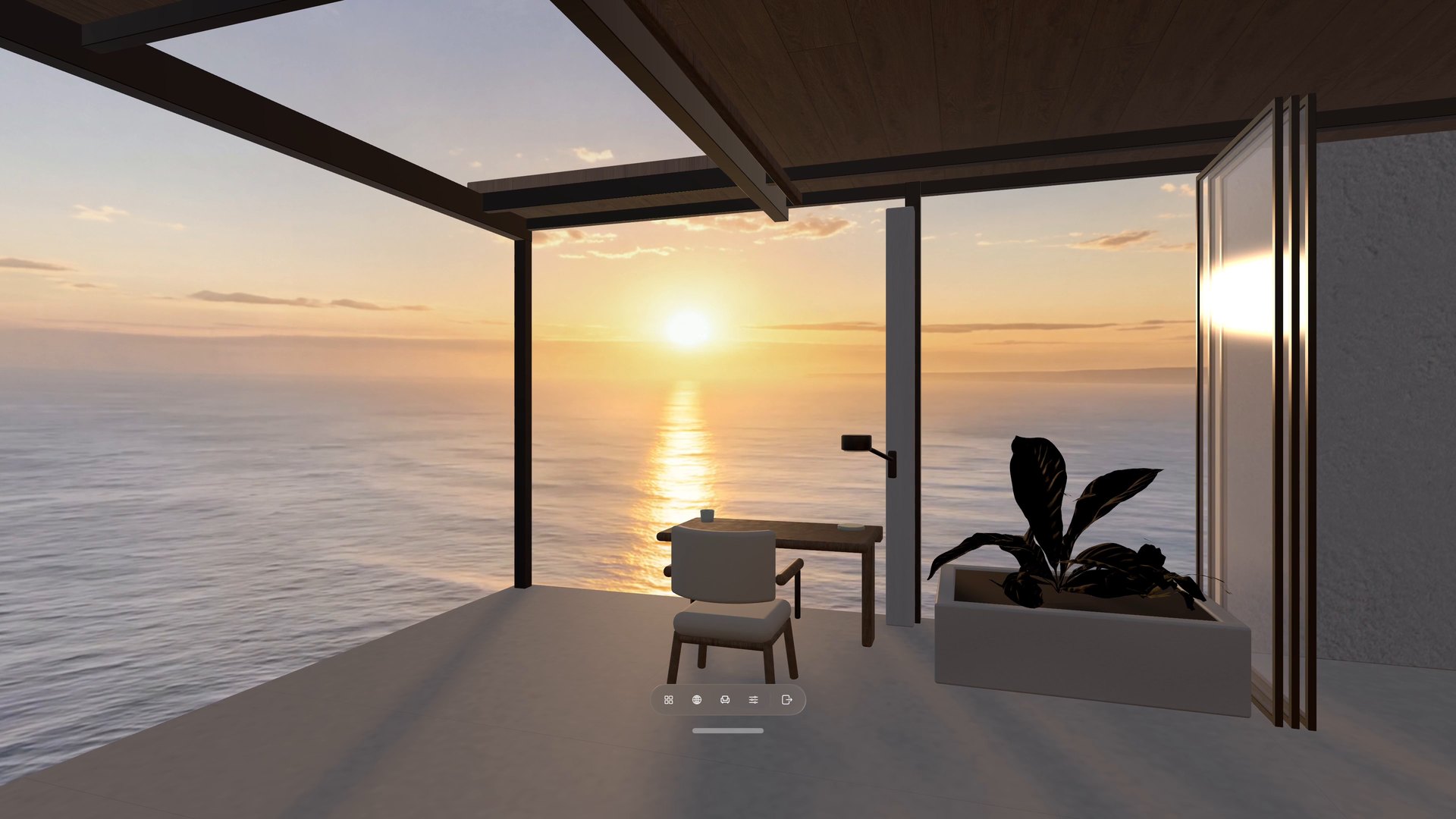
Combine a 360° View with a 3D Room, keep your real desk within reach, and arrange the web pages you need around you.

Available now for Apple Vision Pro. Core features are free to use, with optional in-app purchases. Explore what’s new in Locus
New in Locus 1.4.0
Move your desk to outer space.
Visit the Moon, Mars, Jupiter, Saturn and Neptune from orbit, or sit at the edge of a black hole. Places now gathers related Places into series.
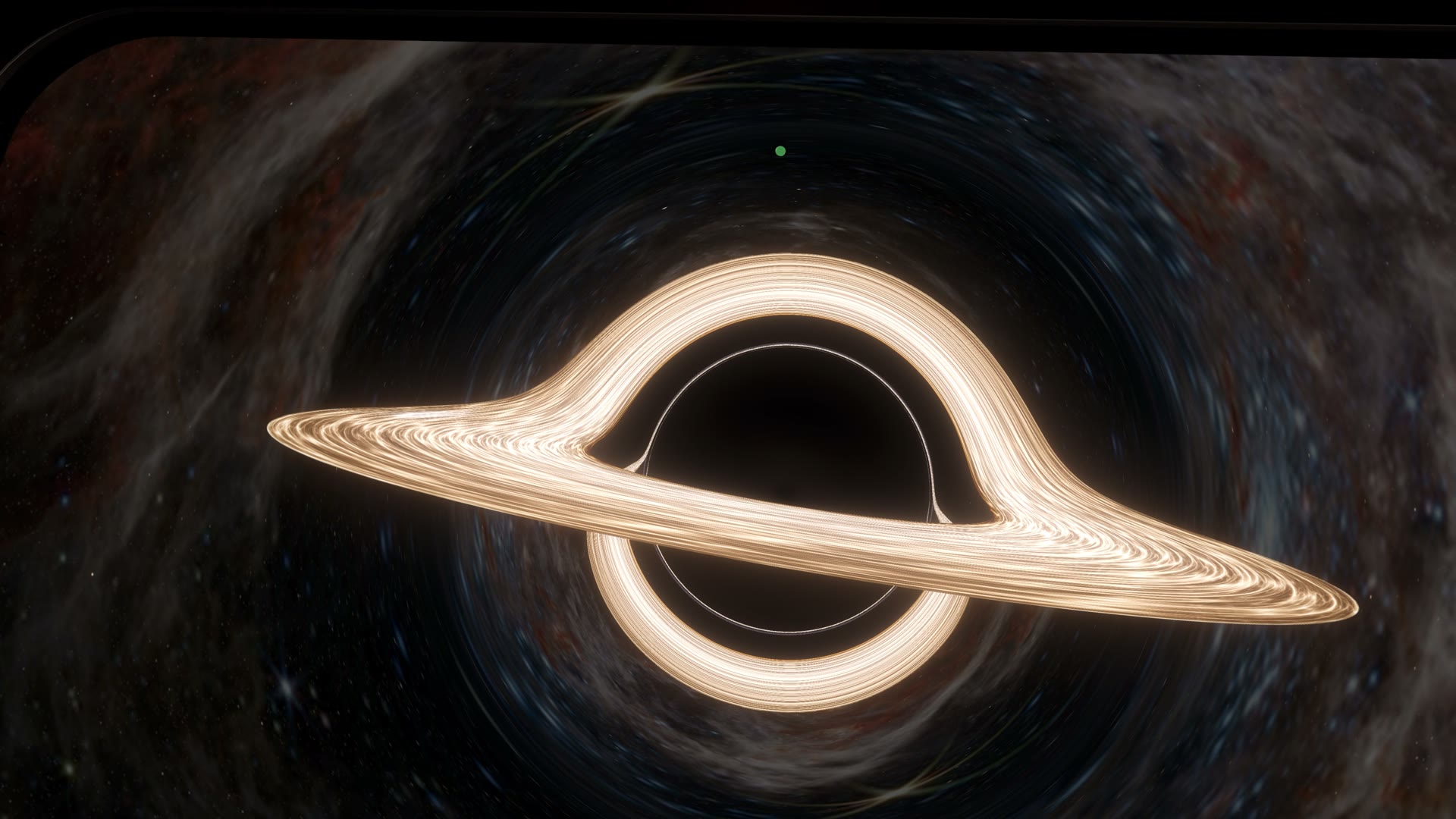
Event Horizon · Ring is free
Sit at the edge of a black hole.
Event Horizon: Ring and Event Horizon: Disc put a black hole and its glowing disc outside your window, with the starry sky bent around it. The disc keeps flowing while the distant sky turns slowly.
Open Current Place → Motion to set Sky Drift, flow speed, glow, flares and brightness for each View, or turn Motion off for a still image.
Read the 1.4 notes- Head into spaceVisit the Moon, Mars, Jupiter, Saturn and Neptune from orbit. They join Earth in the Into Space series.
- Places, in seriesRelated Places are grouped into series, such as At the Café and After Dark, and new arrivals are marked New.
- Make your ownBlack holes, ringed planets and the other 1.4 effects work in your own complete ZIPs. Build a black hole View.
Locus 1.4 requires visionOS 27. Free: Event Horizon: Ring, Earth from Space and Low Orbit Earth. Supporter: the Moon, Mars, Jupiter, Saturn, Neptune and Event Horizon: Disc.
Places
Choose a 360° View and a 3D Room.
Mix the scenery and space you want, then enter Virtual Space or open a Room Portal.


Virtual Space
A calmer place to focus.
Turn away from the desk and the Room continues around you, with your chosen View outside the windows.
What you can do
Shape the space around you.
Start with a Room and View, then keep the tools and surroundings that make the place yours.


Learn Locus
From your first Place to one you made yourself.
Follow short, task-based tutorials for choosing a Place, bringing in a panorama, using Mac Virtual Display, reclining comfortably, and creating your own Views and Rooms. A web panorama must be an exact 2:1 image displayed at 4,096 × 2,048 or larger.
Explore all tutorialsFind Views online
Open the format reference

Community
Made with Locus.
Share your skyboxes, spaces, and environments with other creators, or discover what the community is building.
Explore the Community